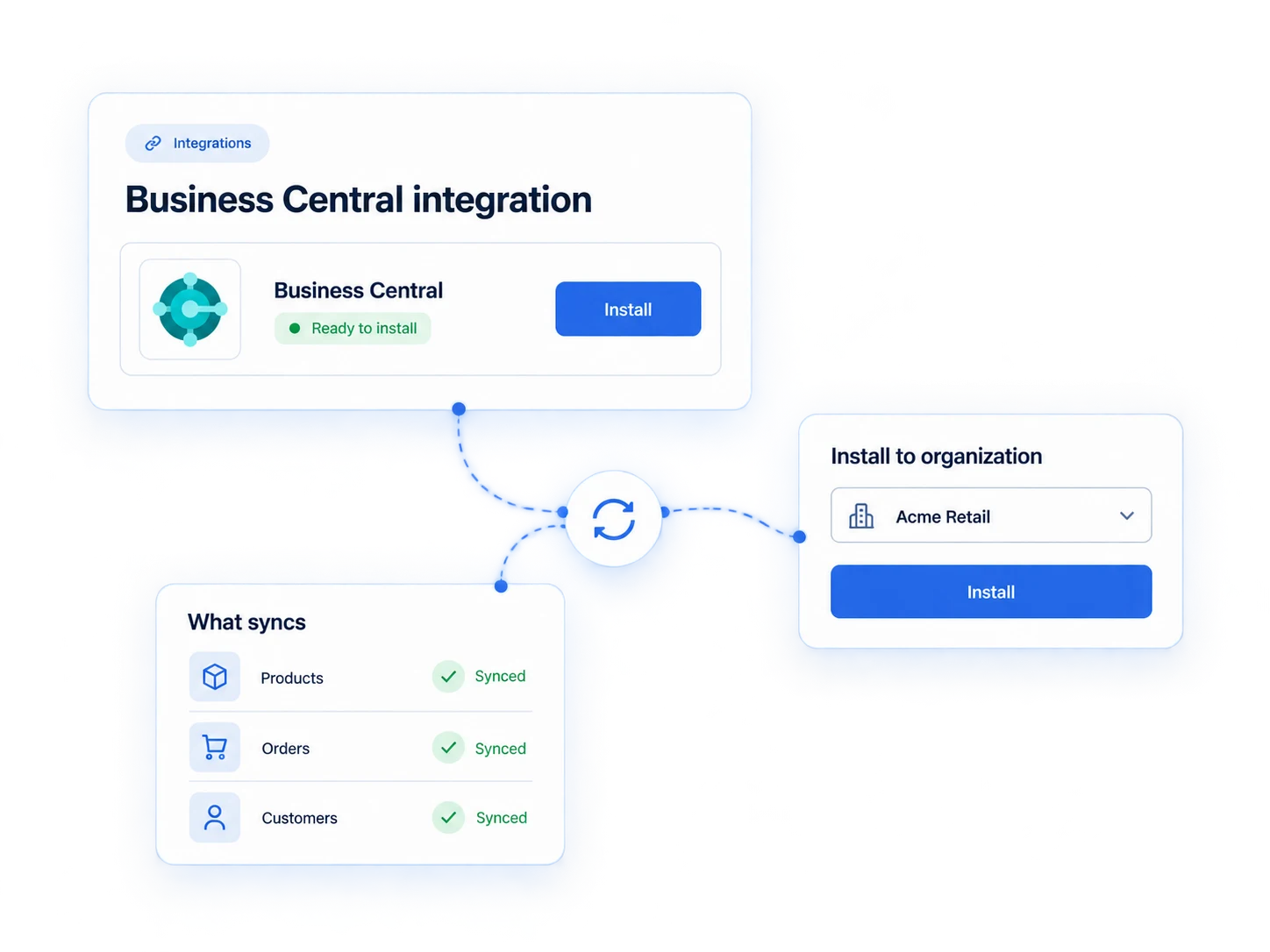
An ecommerce order arrives. Which Business Central customer should it belong to? What happens if that customer does not exist? And which rules should apply to the market the order comes from?
The Business Central app for Thor Commerce brings those decisions into a visual workflow. It connects Thor Commerce with Microsoft Dynamics 365 Business Central, so your team can turn ecommerce orders into sales orders while keeping customer matching, market rules, and data mapping visible and adaptable.
From ecommerce order to sales order
The workflow below starts when an order is created in Thor Commerce. It finds the matching customer in Business Central, applies the configured market-specific rules, creates a customer when needed, and creates the sales order.
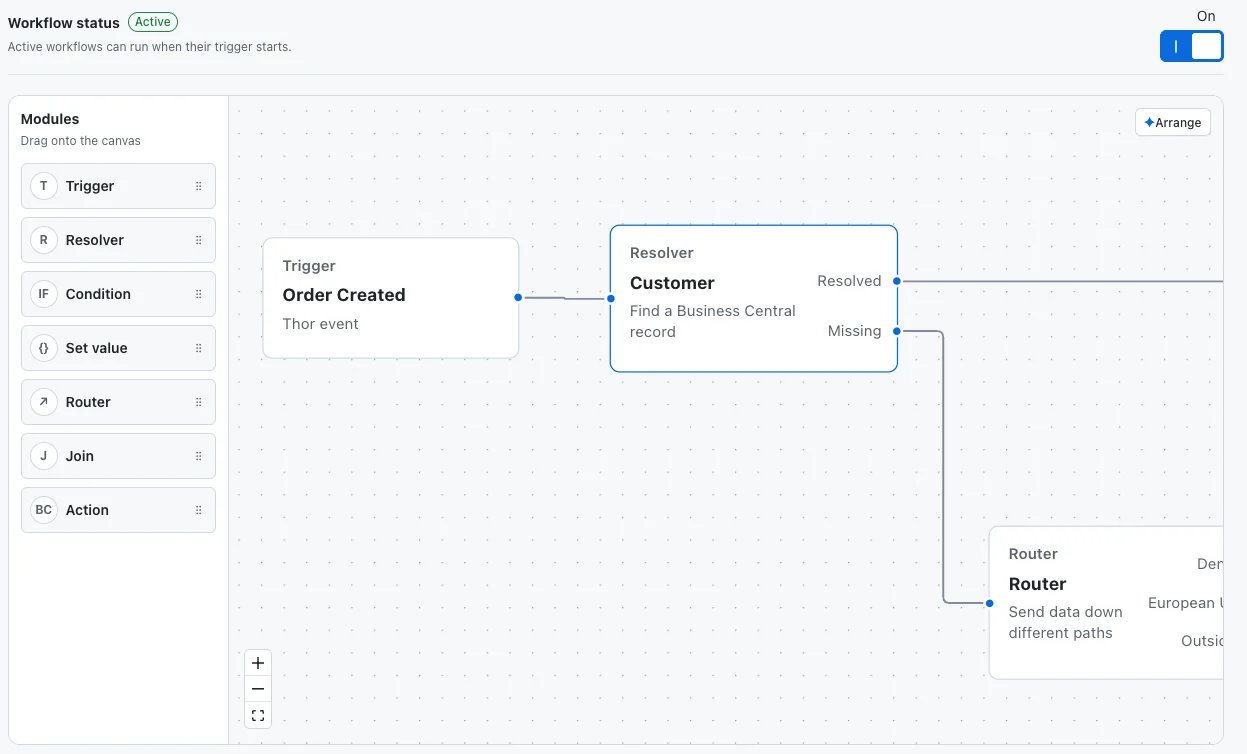
The canvas lets your team follow the paths for existing and new customers and see how each leads to a sales order. When a business rule needs to change, the logic is visible in the workflow, where the team can understand and adjust it.
Workflows built around your business rules
Reusable modules handle events, record lookups, branching, values, and Business Central actions. Combine them around the customer and data rules your setup requires, without rebuilding the integration foundation for each implementation.
The app connects to your chosen Business Central environment and company through Microsoft Entra authentication. For implementations that need fields beyond Microsoft’s standard APIs, the Thor Commerce Integration extension provides versioned API access.
See the result of every run
The Activity view lets your team check what happened after an order triggered the workflow. Each recent run shows the order event, status, start time, and result. A successful run identifies the Business Central sales-order number. If a run fails, your team can inspect the returned error to investigate what went wrong.
Together, the workflow canvas and Activity view keep the order process and its results visible—from the initial ecommerce event to the Business Central sales order.
Contact our team to walk through your customer matching, market rules, and sales-order requirements in Business Central.